
How to log into HelpDesk and submit a ticket for support
The best way to report a computer problem or get assistance with an issue you are experiencing is to submit a HelpDesk ticket. This provides the IT Department with information about your computer and your location. Please ensure you provide all the information a technician needs to start work on the problem or your request may be delayed as they contact you to get any missing information.
On-Site Technician Visits Schedule
You can view the schedule here: On-Site Tech Visit Schedule 2026-2027
Ticket Escalation
How to get your priority tickets done faster!
- School admin can communicate with the assigned technician to outline specific priorities or areas of focus during the technician’s regular visits.
- Email IT Management – All our staff want their tickets done fast, so to filter out what is most important we ask end users to have their admin email us. If you escalate a ticket, then it must be important and we will prioritize it.
Create a Ticket
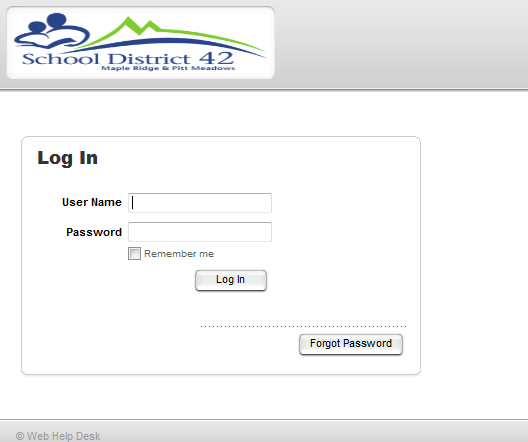
- Go to the IT HelpDesk and log in with:
- Username: firstname_lastname
- Password: your District Password
- Create your request
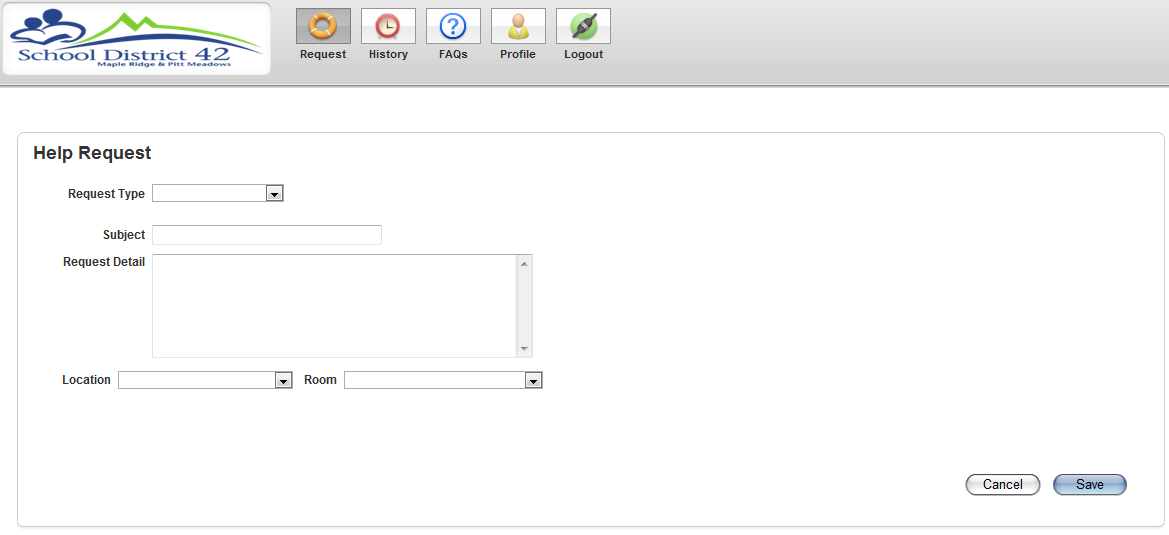
- Please make sure to fill in your location as well as your room number